
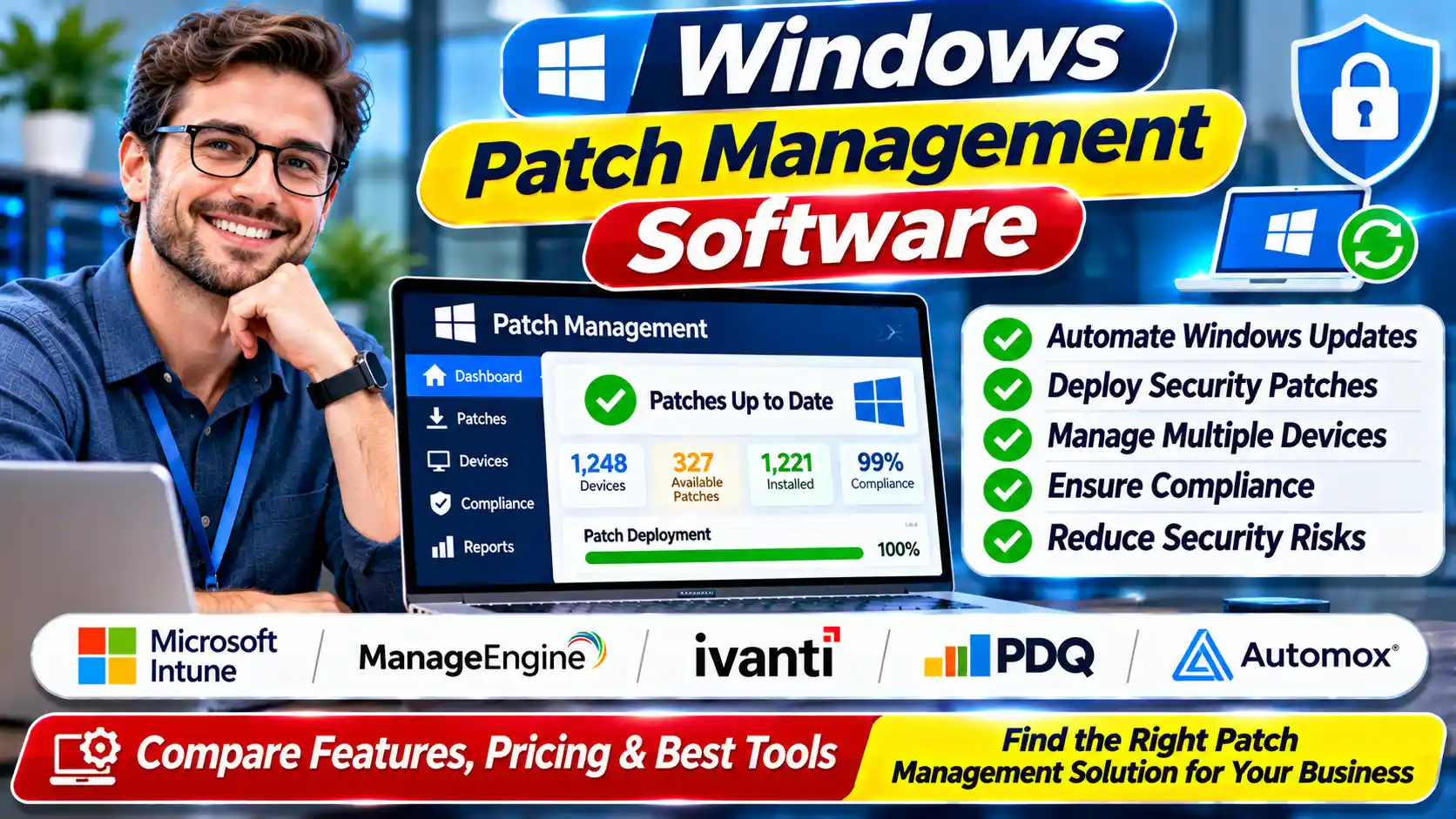
Securing your network with reliable patch management software is the critical first step to defending against zero-day exploits and meeting strict 2026 CISA and HIPAA compliance mandates. Currently, market leaders like Microsoft Intune, Automox, and NinjaOne dominate the U.S. landscape, offering automated deployment for ~$1 to $10 per endpoint monthly, depending on whether you need strict Windows-native controls or cross-platform cloud automation.
Key Takeaways
- 2026 Market Cost Averages: Cloud-native endpoint pricing typically ranges from $1.00 to $4.00 per device monthly, while flat-rate, technician-based models (like Atera) average $150/month for unlimited devices.
- Compliance Baselines: Automated deployment of Known Exploited Vulnerabilities (KEVs) within 14 days is now standard for meeting CISA BOD 22-01 and PCI-DSS v4.0 regulations.
- Top Industry Leaders: Microsoft Intune, Automox, NinjaOne, Atera, ManageEngine, and SolarWinds lead the 2026 U.S. market for robust Windows deployment and vital third-party application updates.
2026 At-a-Glance: Top Market Leaders Compared
| Provider | Best For | 2026 Avg. Rate | Standout Rule or Rating |
| Microsoft Intune & Autopatch | Microsoft 365 E3/E5 enterprise environments | ~$4.00 – $10.00 / user (often bundled) | G2 Leader / Deepest native Windows Update Ring integration |
| Automox | Distributed, cloud-native workforces (No VPN needed) | ~$1.00 – $3.00 / endpoint | Fastest third-party app deployment (sub-24 hours) |
| NinjaOne | SMBs seeking unified endpoint management | ~$3.00 – $4.00 / endpoint | Consistently top-rated for U.S.-based Customer Support |
| Atera | Lean IT departments and MSPs | $129 – $189 / technician (unlimited endpoints) | Most predictable scaling for high-device-count networks |
| ManageEngine Patch Manager Plus | Hybrid infrastructures needing extensive third-party support | ~$34.50 / month for 50 devices | Highly rated for 850+ third-party application coverage |
| SolarWinds Patch Manager | Mature on-premises networks extending WSUS/SCCM | Quote-based / Perpetual Licensing | Industry standard for deep granular WSUS integration |
How Windows Update Management Software Works in 2026
Modern Windows Update Management Software fundamentally shifts the burden of endpoint security from legacy, on-premises servers to cloud-native orchestration. In 2026, networks are no longer confined behind corporate firewalls. Employees operate on decentralized, zero-trust architectures, making traditional WSUS (Windows Server Update Services) and VPN-reliant patching inefficient.
Instead, modern platforms utilize cloud-based agents installed directly on endpoints. These agents continuously scan for missing patches, communicate with a central cloud dashboard, and pull updates directly from Microsoft’s Content Delivery Network (CDN) or third-party repositories. This infrastructure is critical for adhering to federal mandates; for instance, the government requires rapid remediation of Known Exploited Vulnerabilities (KEVs) within 14 days. Establishing this cloud-first foundation is the first step before you.
Top Windows Patch Management Tools: 2026 Market Leaders
When evaluating the market, the top Windows Patch Management Tools differentiate themselves by endpoint scalability, third-party software coverage, and pricing structures. Below is an objective breakdown of the six leading platforms dominating the US enterprise and SMB space.
Microsoft Intune & Windows Autopatch
Microsoft Intune operates natively within the Windows ecosystem. With the 2026 evolution of Windows Autopatch, this tool automatically moves updates through standard rings (Test, First, Fast, Broad) without manual IT intervention.
- Pricing Nuances: Generally bundled into Microsoft 365 E3 ($36/user) or E5 ($57/user) licenses. Standalone add-ons cost around $4.00 per user/month.
- Best For: Homogeneous Windows environments already invested heavily in the Microsoft 365 enterprise stack.
- Limitations: Weak native support for non-Microsoft third-party applications compared to specialized RMMs.
Automox
Automox is a purely cloud-native platform designed for zero-maintenance infrastructure. It operates without servers, VPNs, or complex active directory syncs, executing scripts and patches globally in real-time.
- Pricing Nuances: Starts at ~$1.00 per endpoint/month for basic patching, scaling up to ~$3.00 for advanced vulnerability syncing and custom scripting.
- Best For: Highly distributed, remote-first workforces and organizations with hybrid OS environments (Windows, macOS, Linux).
- Limitations: Requires a premium tier to integrate deeply with third-party vulnerability scanners like Tenable or CrowdStrike.
NinjaOne
NinjaOne is a unified IT management platform that combines patching with remote monitoring, backup, and endpoint management. It is consistently highly rated on G2 for its intuitive UI and responsive US-based support.
- Pricing Nuances: Custom quote-based pricing, averaging ~$3.00 to $4.00 per endpoint/month depending on volume and feature add-ons.
- Best For: SMBs and mid-market teams seeking a single pane of glass for all IT operations, not just patching.
- Limitations: Can be feature-heavy for organizations that only want a standalone patch deployment tool.
Atera
Atera disrupted the traditional RMM market by shifting the billing model from “per-endpoint” to “per-technician.” It integrates AI-driven scripting and automated patch schedules directly into its helpdesk platform.
- Pricing Nuances: Fixed rate of $129 to $189 per technician/month, allowing you to patch an unlimited number of endpoints.
- Best For: Lean IT departments managing massive device fleets, or Managed Service Providers (MSPs) scaling rapidly.
- Limitations: The fixed-rate model becomes expensive if you have a large IT staff managing a relatively small number of devices.
ManageEngine Patch Manager Plus
Available both on-premises and via the cloud, ManageEngine focuses heavily on comprehensive application coverage, boasting automated patching for over 850 third-party applications alongside Windows OS updates.
- Pricing Nuances: Starts around $34.50/month for 50 devices for the cloud edition, with highly tiered volume discounts.
- Best For: Organizations with complex software inventories (Adobe, Java, Chrome) that require rigorous third-party vulnerability management.
- Limitations: The interface is frequently noted by industry analysts as more outdated and utilitarian compared to modern SaaS competitors.
SolarWinds Patch Manager
SolarWinds is a traditional, heavy-duty enterprise tool designed to extend and integrate with Microsoft SCCM (now MECM) and WSUS. It provides deep granular control over update deployments and compliance reporting.
- Pricing Nuances: Primarily perpetual licensing or quote-based enterprise contracts, often requiring significant upfront capital expenditure.
- Best For: Mature, on-premises networks running air-gapped systems or strict regulatory environments that forbid cloud-based agent polling.
- Limitations: High infrastructure overhead; not suitable for modern, remote, cloud-first workforces.
Read This Also: Small Business Accounting Software: 2026 US Market Guide
2026 Cost Benchmarks for Enterprise Patch Management Software
Budgeting for Enterprise Patch Management Software requires understanding the exact crossover point where flat-rate pricing becomes more economical than per-device pricing. The table below breaks down estimated 2026 software costs based on organizational size and infrastructure profile.
2026 IT Profile & Deployment Cost Breakdown
| Organizational Profile | Preferred Pricing Model | Example Vendor | Est. Monthly Cost | Est. Annual Total |
| Lean SMB (50 Endpoints, 1 IT Admin) | Per-Endpoint | Automox (~$3/device) | $150.00 | $1,800 |
| Mid-Market (500 Endpoints, 2 IT Admins) | Per-Technician | Atera ($189/tech) | $378.00 | $4,536 |
| Mid-Market (500 Endpoints, 2 IT Admins) | Per-Endpoint | NinjaOne (~$3.50/device) | $1,750.00 | $21,000 |
| Enterprise (2,000+ Endpoints, Microsoft E3) | Bundled License | Microsoft Intune | $0.00 (Sunk Cost) | $0.00 (Included) |
How to Deploy Automated Patch Management Software Safely
Implementing Automated Patch Management Software requires a structured approach to prevent “bricking” critical workstations with faulty updates. Do not deploy patches globally on day one. Instead, follow a strict ring-deployment methodology.
- Establish a Pilot Ring (Day 0-2): Deploy updates strictly to a small group of IT-owned devices and non-critical virtual machines. Monitor for blue screens, extreme CPU usage, or software conflicts.
- Deploy to the Early Adopter Ring (Day 3-5): Push the patch to 10% of the company, ensuring you select a representative sample of hardware models and departments (e.g., a few users in HR, Sales, and Finance).
- Execute Broad Deployment (Day 7-14): Roll out the update to the remaining 90% of the workforce. Ensure your software is configured to allow end-users to defer the patch and reboot up to 3 times before forcing a hard restart.
- Configure Automated Rollbacks: Ensure your platform is set to automatically uninstall a patch and freeze the deployment ring if a critical failure rate (e.g., >5% of endpoints reporting errors) is detected.
Evaluating Patch Management Software for Small Business: Key Trade-Offs
When selecting Patch Management Software for Small Business, lean IT teams often prioritize “set it and forget it” automation over deep, granular scripting controls. However, choosing a simplified platform comes with inherent trade-offs.
The Pros:
Small business tools drastically reduce the hours spent manually hunting down Common Vulnerabilities and Exposures (CVEs). They provide instant compliance reporting, which is a hard requirement if your small business bids on government contracts (CMMC compliance) or handles medical data.
The Cons & Hidden Limitations:
Many entry-level tools excel at updating the Windows operating system but severely lack the ability to update localized drivers, BIOS firmware, or niche legacy software. Furthermore, standardizing on a strict automated cadence can disrupt end-user productivity if reboot policies are not carefully configured to trigger outside of standard business hours.
FAQs: Patch Management
Does Windows 10 and 11 have built-in patch management?
Yes, Windows includes Windows Update for Business (WUfB) as a native feature. However, to achieve enterprise-scale compliance reporting, automated rollbacks, and third-party application updates, IT departments must layer dedicated endpoint management platforms over these native APIs.
How much does patch management software typically cost?
The 2026 market average ranges from $1.00 to $4.00 per endpoint on a monthly basis for cloud-native SaaS platforms. Alternatively, organizations with massive device fleets can opt for per-technician pricing models, which average between $130 and $190 per month for unlimited endpoint coverage.
What is the 14-day patching compliance rule?
The 14-day rule is a benchmark established by CISA Binding Operational Directive 22-01, requiring US federal agencies to remediate Known Exploited Vulnerabilities (KEVs) within two weeks. Private sector companies, especially those bound by HIPAA or PCI-DSS, increasingly adopt this 14-day threshold as their baseline legal standard for cybersecurity.
Can these tools update third-party apps like Chrome, Adobe, and Zoom?
Yes. Leading platforms like ManageEngine and Automox include built-in catalogs for hundreds of third-party applications. This is critical because the majority of zero-day exploits target third-party software vulnerabilities rather than the core Windows operating system itself.
Will automated patching force employee computers to restart during the workday?
No, provided the software is configured properly. Modern platforms allow IT administrators to define “Active Hours” and set deferral policies, ensuring that forced reboots only execute overnight or after an employee has intentionally ignored the update prompt a set number of times.
Final Expert Summary: Choosing Your Patch Management Software
When I consult with IT directors on securing their infrastructure, my primary advice is to stop evaluating tools based purely on feature volume and start evaluating them based on workforce architecture. Choosing the right patch management software in 2026 comes down to matching the pricing model to your IT headcount and the deployment model to your network structure.
If your organization is already heavily invested in Microsoft 365 E3 or E5 licenses, utilizing Microsoft Intune and Windows Autopatch is the most logical financial decision, provided you have a separate plan for third-party apps. If you are managing a highly distributed, remote-first workforce that rarely connects to a corporate VPN, a lightweight, cloud-native agent like Automox is your best defense against zero-day threats. Finally, if you are a lean IT team managing a massive, rapidly growing fleet of devices, transitioning to a per-technician model like Atera will immediately stabilize your software budget.
Do not let the fear of a bad update paralyze your deployment strategy. Implement a strict, phased ring-deployment process, automate your third-party updates, and ensure you can push a critical KEV patch to every remote laptop in under 14 days.